GTA VCS Recomp controller setup
Gamepads, keyboard and mouse in the native Vice City Stories port: what works, which keys matter and how to tune aim and the car camera.
SDL3 gamepads · Free aim · Rumble 0–200% · F2 settings
GTA VCS Recomp Wiki / Controllers
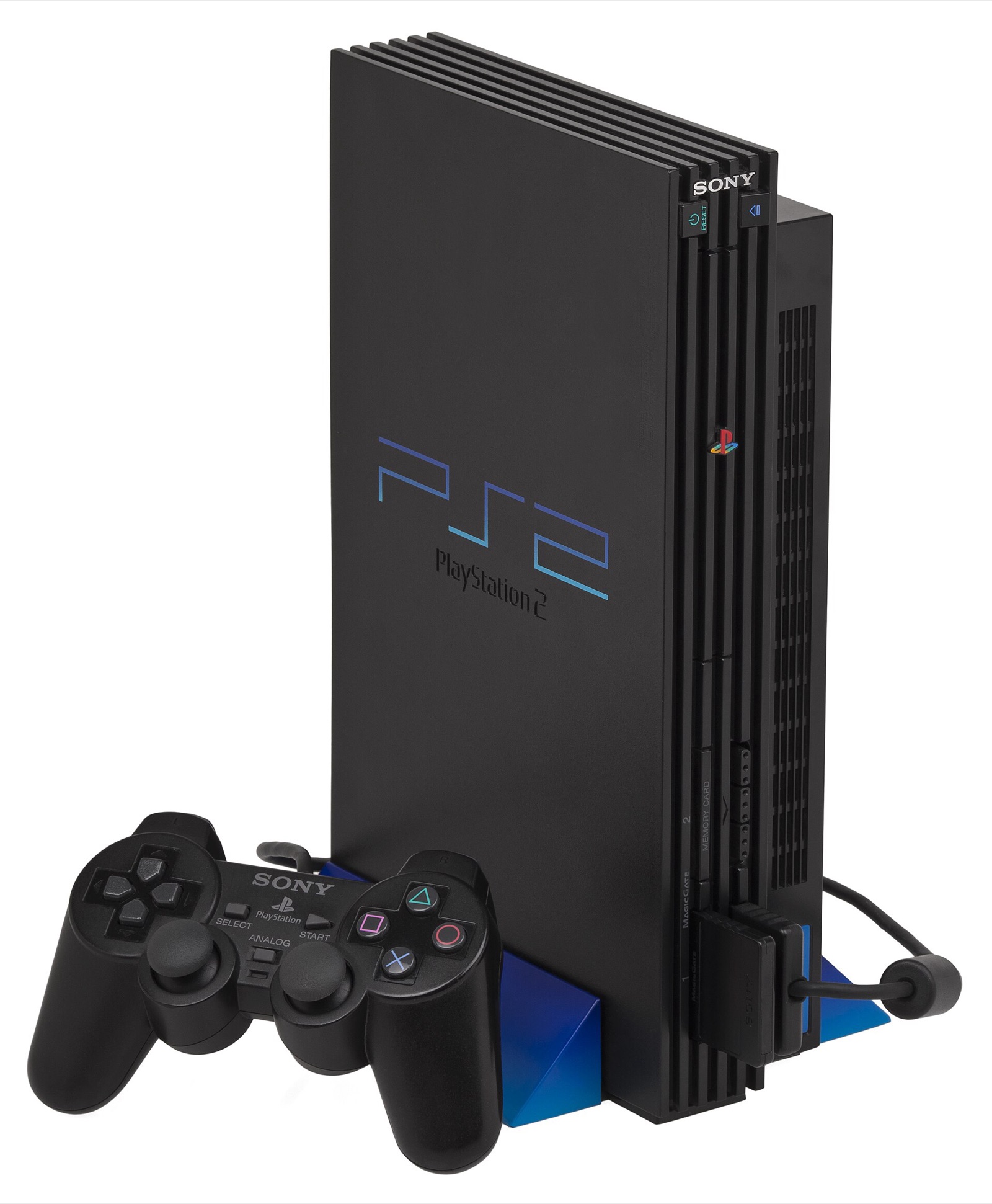
Controls on this page are from the gothamor/gta-vcs-recomp README and release notes up to v0.2.3, plus the VCSNative README. Everything is set in the in-game settings menu, F2, and saved in vcs.ini.
Keys worth knowing
- F2Settings
- F5Trainer
- F8Screenshot (PNG)
- F3Performance overlay
- F4Record overlay to CSV
- Alt+EnterWindow / full screen
- EscPause menu (since v0.2.3)
- W / SAccelerate / brake-reverse
- SpaceHandbrake
- Right clickLock on
Keyboard and mouse
- Mouse look on foot, like a PC game: the mouse turns the camera itself, with sensitivity and inversion.
- Free aim (v0.0.3): F2 → Keyboard → Free aim. Scopes and first-person views turn 1:1; the wheel changes weapons on foot and zooms the scope. Also works in Jive Drive’s passenger-seat shooting and Phil’s shooting range (v0.1.0).
- Driving on W / S / Space, keys that do something else on foot. A Walk key gives walking speed on the keyboard.
- Car camera (v0.2.1): free mouse turning with an adjustable return delay.
- Menus (v0.2.3): the cursor navigates the pause menu; Esc opens it and goes back, Enter selects.
- Rebinding: every key and mouse button, two keys per control.
Gamepads
Any controller SDL3 recognises works, mixed freely with keyboard and mouse. Options: stick deadzones, camera speed, trigger press point, swapped sticks, inverted camera axes, and DualShock 2 rumble from 0% to 200%. The gamepad’s right stick takes the camera back from the mouse at once.
| Controller | How it works here | Amazon |
|---|---|---|
| Xbox Wireless / Xbox-style | Recognised by SDL3 out of the box; VCSNative switches its prompts to Xbox button names | Xbox Wireless Controller |
| Sony DualSense (PS5) | Works through SDL3 with DualShock 2-style rumble; light bar and adaptive triggers are an open pull request (#96) | Sony DualSense Wireless Controller |
| 8BitDo Ultimate 2 Wireless | Works as an Xbox-style pad through its 2.4 GHz dongle | 8BitDo Ultimate 2 Wireless |
| GameSir Cyclone 2 | Xbox-style layout; anti-drift sticks | GameSir Cyclone 2 |
| DualShock 4, Switch Pro | Recognised by SDL3; Switch Pro is named in the README | — |
As an Amazon Associate, this site earns from qualifying purchases.
Which controller to get
For this game an Xbox-layout pad is the least fuss on Windows and Linux. A DualSense matches the PlayStation prompts and is the one to watch if the adaptive-trigger pull request lands. The 8BitDo and GameSir pads are cheaper Xbox-style options with good sticks.
As an Amazon Associate, this site earns from qualifying purchases. Links open Amazon.com; prices and stock are set there.
Steam Deck and Steam Input
If you add vcs or the AppImage to Steam as a non-Steam game, Steam Input presents the Deck’s controls (or your pad) as an Xbox-style controller, which SDL3 picks up. See Steam Deck status before trying.
VCSNative (PSP version) controls
Full keyboard and mouse with raw mouse look (no smoothing, no acceleration), the cursor kept inside the window, and the game’s on-screen prompts rewritten to show your keys and mouse buttons, switching to Xbox button names when a controller is used. Options: camera on the right stick, invert Y, mouse sensitivity and an adjustable look-up limit on foot. An open report says horizontal camera movement lags and the vertical axis feels heavy (#3).
Frequently asked questions
Does GTA VCS Recomp support controllers?
Yes. Keyboard, mouse and gamepads (Xbox, DualShock / DualSense, Switch Pro and anything else SDL3 knows) all work and can be mixed freely. Every button can be rebound in F2 → Gamepad.
Does the DualSense light bar or adaptive triggers work?
Not in a release yet. The DualSense already works as a normal pad with rumble. A pull request (#96) adds a light bar that flashes red and blue while wanted, adaptive triggers that scale with vehicle weight and fuller rumble; it was still open on November 8, 2026.
How do I aim with the mouse?
Turn on Free aim under F2 → Keyboard (or Gamepad). The mouse turns the camera like a PC shooter, scopes move 1:1 and the mouse wheel changes weapons and zooms. Right click locks on.
Can I use the PC Vice City control scheme?
A pull request (#78) adds a keyboard scheme like the PC Vice City / San Andreas (an action per key, by situation) and makes it the default. Until it is merged, the keyboard maps to PS2 buttons and every key can be rebound.
The camera in cars fights the mouse. What do I do?
Update to v0.2.1 or later: the mouse turns the camera behind a car freely and it eases back when you stop. F2 → Keyboard has Car camera sensitivity and Car camera return (1.5 s by default).